

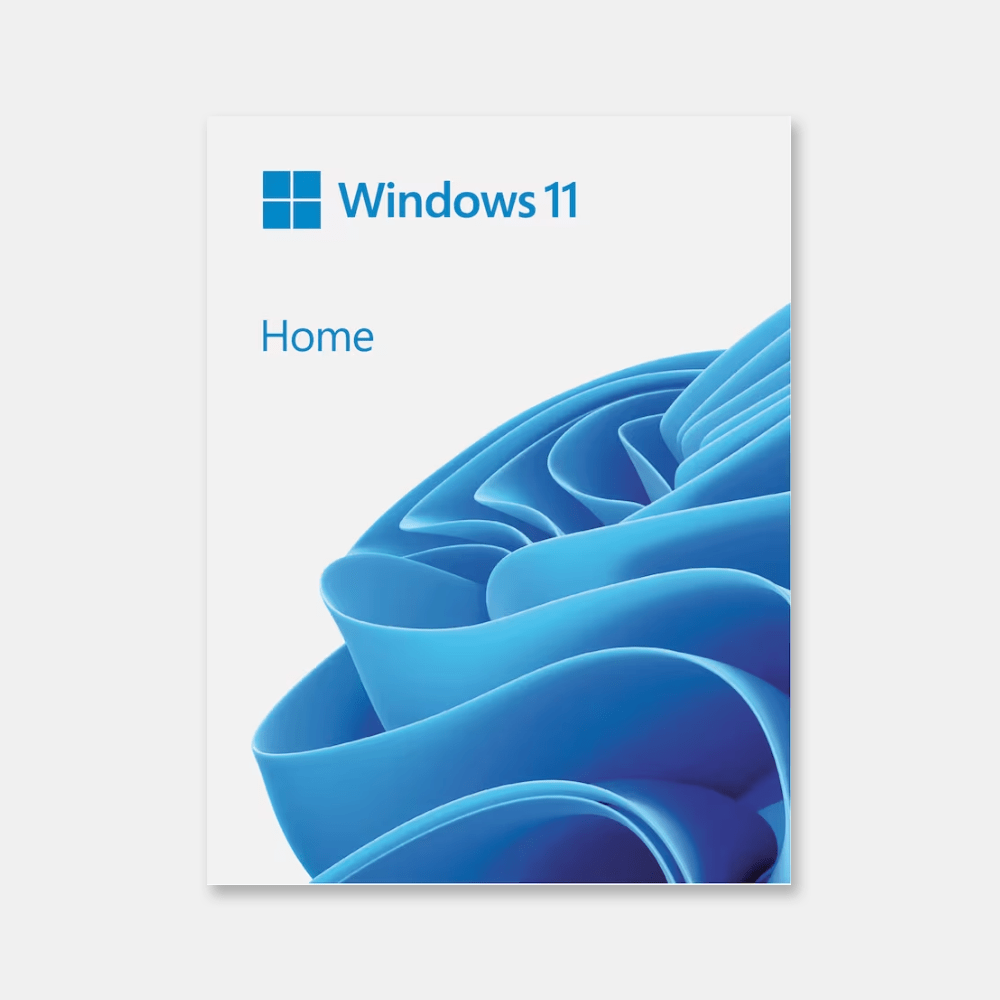
Windows 11 Home USB Box
• Comes in a sleek USB box for easy setup on any compatible PC.
• Perfect for refreshing an older laptop or building a new one with confidence.
• Windows 11 Home brings smooth multitasking and a calm, modern interface.
• Trusted, official, and hassle-free—no downloads, no waiting.
-
Detail
What is Windows 11 Home?
Windows 11 Home is Microsoft's standard operating system version, specifically designed for individual and household users. This is the version you often see and is installed on almost all laptops and new
desktop computers. Windows 11 Home focuses on providing a simple, elegant, and secure user
experience for daily activities, such as surfing the internet, watching movies, online learning, playing
games, and using office applications.Who is Windows 11 Home for?
It's the perfect choice for the vast majority of computer users:
Families: For general needs such as multimedia entertainment, safe web browsing for children, and
personal tasks.Students: A modern, stable platform for online learning, homework, and entertainment.
Office workers: Handling basic office tasks such as email, word processing, and spreadsheets.
Gamers: Enjoy the latest built-in gaming technologies.
General users: Anyone who wants an operating system with a beautiful, easy-to-use, and secure
interface.In-Depth Feature Analysis
Windows 11 Home brings a breath of fresh air to your computing experience.
Completely New Interface – Refined and Focused
This is the biggest and most noticeable change.
Start Menu and Taskbar in the center: The new design allows you to access important applications and
files more quickly and naturally.Snap Layouts & Snap Groups: Easily arrange your work windows scientifically. Simply hover over the
zoom button to select available layouts to split the screen for multiple applications, perfect for online
learning while taking notes, or viewing documents while composing emails.Widgets: A dedicated space for the information you care about. Quickly access weather, news,
schedules, stock prices… without interrupting your main work.Rounded design and transparent (Mica) effect: Provides a soft, modern, and pleasant feel for the eyes.
Optimized for Performance and Entertainment
Windows 11 Home is not only more beautiful but also smarter.
Performance Optimization: The operating system manages resources (CPU, RAM) more efficiently,
resulting in faster boot times, instant application responsiveness, and increased battery life for laptops.Ultimate Gaming Platform: Windows 11 Home integrates cutting-edge gaming technologies such as
Auto HDR (automatically enhances game colors to an extended dynamic range) and DirectStorage
(significantly reduces game loading times), delivering a smooth and immersive gaming experience.New Microsoft Store Integration: The redesigned app store makes it easy to find and install your
favorite apps, including Android apps (via the Amazon Appstore).Default Family Security
Windows 11 Home prioritizes the safety of you and your family with built-in features:
Windows Security: Includes the powerful Microsoft Defender Antivirus, firewall, and network protection
layers to combat viruses, malware, and phishing attacks.Parental Controls: Easily set time limits for computer use, filter inappropriate web content, and monitor
children's activity to create a safe online environment.Comparison Strategy: Windows 11 Home vs. Windows 11 Pro
This is the most common question when buying Windows 11. Which version is right for you?
Features Windows 11 Home (Best Choice for Most People) Windows 11 Pro
Target Audience Individual users, families, students. Professional users, small businesses.
Interface & Entertainment Full new interface features, optimized for gaming. Similar to the Home
version.Security Windows Security, Parental Controls. Added BitLocker drive encryption and Windows
Information Protection (WIP).Management & Connectivity No enterprise management features. Includes Remote Desktop, Hyper-V, Group Policy, Domain Join.
Pricing: Lower cost, reasonable for personal needs. Higher cost, for specialized features.
Advice: If you use your computer for everyday tasks, studying, entertainment, and don't need complex
system management or connection to a company network, Windows 11 Home is all you need. This is
the perfect version for 99% of home users. It's only really necessary if you are an IT professional,
programmer, or need enterprise-level security and management features.Building a Complete Work and Entertainment Ecosystem
A modern operating system will unleash its full potential when combined with the right tools:
Essential Office Suite: Equip yourself with Microsoft Office Home & Student 2021 or subscribe to
Microsoft 365 Personal for the latest Word, Excel, and PowerPoint suite, working perfectly on
Windows 11.Accelerated Downloads: Install a licensed version of Internet Download Manager (IDM) to download
software, games, and documents quickly and stably.Ad-Free Entertainment: Enhance your entertainment experience with YouTube Premium, watching
videos without interruption on the smooth Windows 11 platform. Windows 11 Home License Purchase and Activation ProcessStep 1: Complete Order: Select the Windows 11 Home product and make a secure payment via
Bank Transfer or Momo.Step 2: Receive Key via Email: The 25-character Product Key will be automatically sent to your
email address immediately.Step 3: Download the Installer (if needed): If you are performing a fresh installation, visit the
Microsoft homepage to download the Media Creation Tool and create a bootable USB drive.Step 4: Activate License:For machines already installed with Windows 11 Home: Go to Settings > System > Activation >
Change product key and enter the key you received.For fresh installations: Enter the key during installation when prompted.Gold Guarantee when buying Windows 11 Home from Binh Minh PCSolid Warranty: We commit to a “Lifetime 1-to-1 replacement warranty” for the Windows 11
Home key.Clear & Fair Refund Policy: We guarantee a 100% refund if the product is faulty, cannot be
activated, or does not match the description. You always have the option to exchange for a new,
equivalent product if you wish.Dedicated Technical Support: Having trouble with installation or activation? Contact us via Zalo
at 0586280000 or 0896909666 for free advice and support via Ultraviewer.Price & Security: Own the most modern operating system at the optimal cost. We are committed
to providing genuine, absolutely secure keys for your computer.Frequently Asked Questions – FAQI am using a licensed copy of Windows 10 Home, do I need to buy a Windows 11 Home key? No. If your computer meets the hardware requirements, Microsoft allows you to upgrade from a
licensed copy of Windows 10 Home to Windows 11 Home for free through Windows Update. You only need to buy a new key if you're assembling a new computer yourself or your computer isn't
licensed.How do I check if my computer is compatible with Windows 11? You can download and run the official “PC Health Check” application from Microsoft's website. This tool will scan and tell you
exactly if your computer is eligible to install Windows 11.Can this key be used to upgrade from Windows 11 Home to Pro? No. This key is for the Home
version only. To upgrade to Pro, you need to buy a separate Windows 11 Pro key.What are the biggest differences between Windows 10 Home and Windows 11 Home? The
biggest differences lie in the user interface (completely new and more modern) and higher
hardware
security requirements (TPM 2.0, Secure Boot), making Windows 11 Home more secure.
Additionally, Windows 11 Home has better game optimization technologies.After activation, will I receive updates from Microsoft? Absolutely. Using a genuine product key
ensures you receive all feature and security updates from Microsoft in a timely and complete
manner, keeping your computer safe and up-to-date.If I reinstall my computer, can I reuse this key? Yes. The key will be tied to your computer's
hardware (motherboard). As long as you reinstall Windows 11 Home on the same computer, the
operating system will automatically recognize and reactivate the license after you connect to the
internet.Does using a genuine Windows license make my computer run faster? Using a genuine Windows
license ensures your system is clean, free from modifications or the installation of malware, unlike cracked versions. This contributes to stable, secure, and optimal performance, rather than being
slowed down by background processes. -
Customer ReviewsNo comments