

Home
/
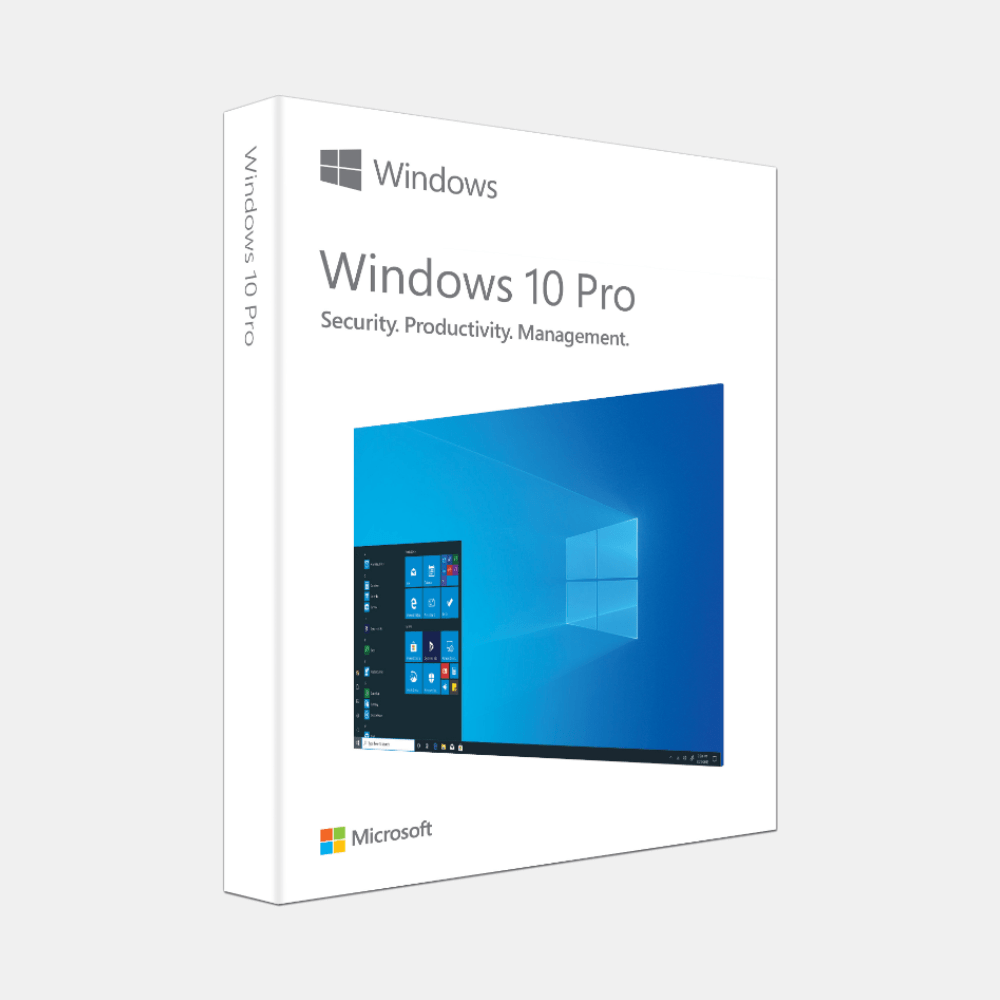
Windows 10 Pro USB Box
Windows 10 Pro USB Box
WISHLIST
Windows 10 Pro USB Box
• Windows 10 Pro pre-installed on a bootable USB drive
• Ready-to-use — no ISO download or setup needed
• Official Microsoft license included in retail box
• Ideal for clean installs, system recovery, or upgrading older PCs
• Ready-to-use — no ISO download or setup needed
• Official Microsoft license included in retail box
• Ideal for clean installs, system recovery, or upgrading older PCs
657 sold
Quantity
-
DetailWindows 10 Pro - A Solid Foundation for All RequirementsWindows 10 Pro is a premium operating system version from Microsoft, specifically designed for professional users, small businesses, and those who require more home versions.Windows 10 Pro is a premium operating system version from Microsoft, specifically designed for professional users, small businesses, and those who require more home versions. It inherits all the great features of Windows 10 Home, while adding a series of powerful management, remote connection, and security tools, making your computer an efficient and secure workstation.It inherits all the great features of Windows 10 Home, while adding a series of powerful management, remote connection, and security tools, making your computer an efficient and secure workstation.Having the copyright to Windows 10 Pro means that you will always receive the latest security updates from Microsoft, protecting your computer from viruses and cyber security threats.Unlock management and security privileges with Windows 10 ProHaving the copyright to Windows 10 Pro means that you will always receive the latest security updates from
Microsoft, protecting your computer from viruses and cyber security threats.The upgrade from Home Edition to Pro is not just an option, but an investment in performance and data security. Unlock management and security privileges with Windows 10 ProThe following is a detailed analysis of the powerful tools that are only available with Windows 10 Pro.The upgrade from Home Edition to Pro is not just an option, but an investment in performance and data security. The following is a detailed analysis of the powerful tools that are only available with Windows 10 Pro.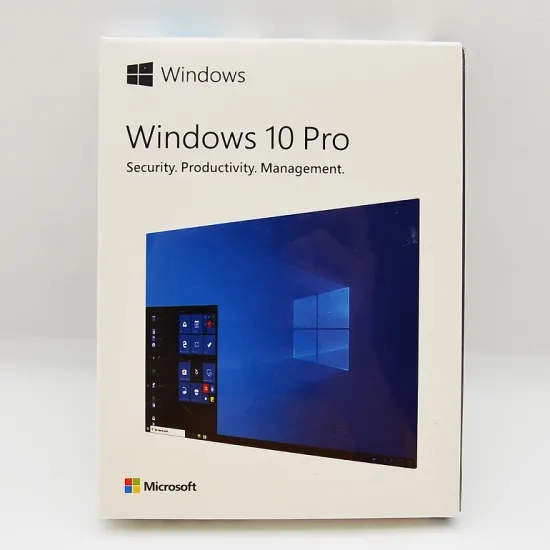
Enterprise-level data securityEncrypt BitLocker disk drives and BitLocker To Go: This is your digital "safe box" for data. Imagine your laptop loses all customer information, contracts, and important financial documents. With BitLocker, the entire hard drive will be encrypted. Without the decryption password, even if the hard drive is disassembled and installed on another computer, no one can access any files. BitLocker To Go also extends this feature to USB and external hard drives to ensure data is always secure.Windows Information Protection (WIP): In the workplace, accidentally sending company-sensitive files through personal email can have unexpected consequences. WIP helps avoid this by clearly distinguishing between personal data and work data. It helps protect the enterprise from data leaks without affecting the employees' usage experience.Flexible management and workRemote desktop connection: You are on a business trip, but you need to open a report file on the office computer? Remote desktop allows you to connect and securely remotely control the computer. You will see the entire screen, you can use all applications, you can access all files, just like you are sitting in front of the computer, bringing the greatest flexibility to your work.Join domain connection & Azure Active Directory: For enterprises, managing dozens or hundreds of computers is a challenge. Windows 10 Pro allows you to connect your computers to the company's domain network. This enables IT administrators to apply security policies, install software, and centrally manage user accounts, rather than configuring each machine individually.Group policy management: This is a powerful tool for administrators. You can set hundreds of different rules, from prohibiting employees from installing software to preventing access to system settings, to automatically configuring printers for the entire office.Expert toolsHyperv virtualization: Programmers, IT engineers, or tech enthusiasts will love this feature. Hyperv allows you to create virtual computers in Windows 10 Pro. You can use virtual machines to run another operating system (such as Linux or an older Windows version), safely test new software without worrying about the impact on the main system.Assigned access: This feature allows you to lock a user account to be used only to run one application. Creating information kiosks in public places is very useful. Computers can be retrieved in libraries or used only for one purpose in factories and stores.Comparing Windows 10 Pro with Windows 10 Home and Windows 11 ProTo make it easier for you to make a decision, let's take a look at the differences between the popular versions.Windows 10 Home Edition, Windows 10 Pro (with advanced options), Windows 11 ProIndividual users, home users. Professional users, small businesses. Users want the latest experience and high-performance computers.Windows protection, firewall. Add BitLocker encryption, Windows information protection. Inherit the features of Windows 10 Pro, request TPM 2.0.Manage basic functions: add remote desktop, hyperv, Group Policy, Domain join. Retain Pro functions, new multi-task interface.Classic menu startup interface. Classic menu startup interface. New interface, the Start menu and taskbar are in the middle.System requirements are low configuration. Low configuration requirements. Higher configuration requests (CPU, RAM, TPM 2.0).Suggestion:Windows 10 Pro is the most balanced and secure option for most users, especially when your computer does not meet the hardware requirements for Windows 11, or when you prioritize verified stability.If you need additional security features and remote work capabilities, moving from Windows 10 Home to Pro is necessary. -
Customer ReviewsNo comments